
Deposition Linking
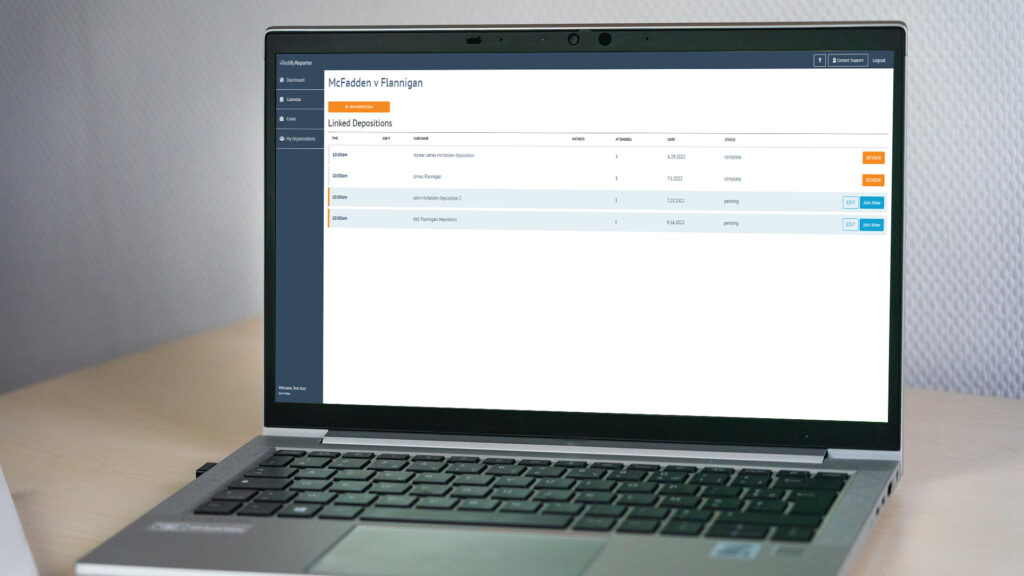
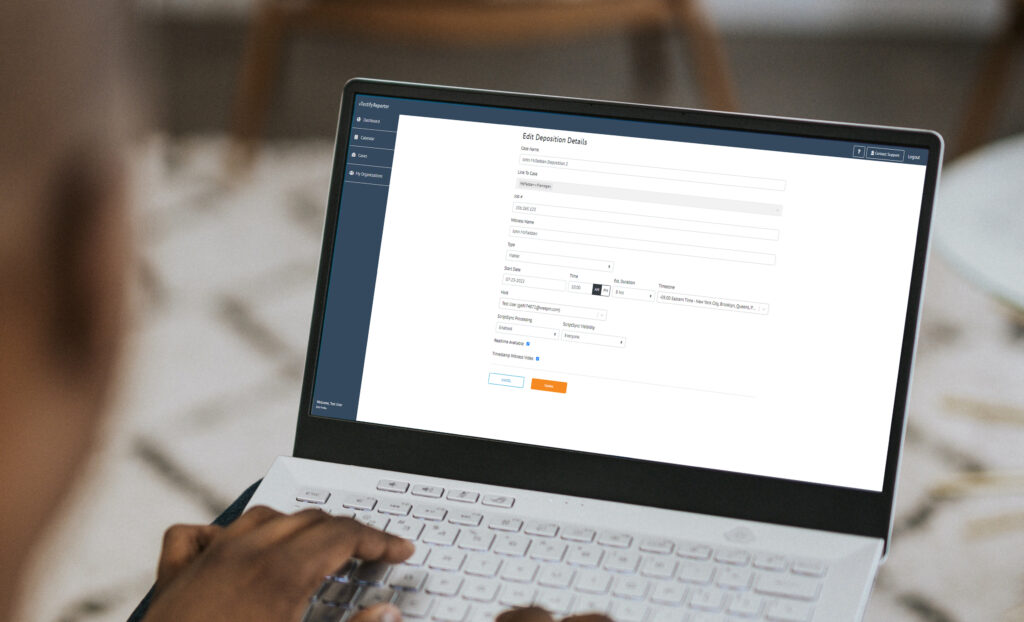
Deposition Linking allows exhibits to carryover between proceedings associated (linked) to the same case. Whether you are creating a new…
Deposition Linking Read More »
Deposition Linking allows exhibits to carryover between proceedings associated (linked) to the same case. Whether you are creating a new…
Deposition Linking Read More »
vTestify makes case management and creating a case a breeze. Simply by logging in and navigating to the Case Dashboard you can easily…
Creating a Case We recently introduced our readers to the vTestify Case Dashboard, our newest feature that changes the way you schedule depositions on the platform. Now let’s dive in to step one to use this exciting feature, creating a case. First, click on the “Cases” option to the left of your vTestify Dashboard. This will
The Case Dashboard As a true court reporting partner, vTestify understands the importance of creating a workflow that mirrors our clients as closely as possible. Simplifying the scheduling piece is integral to the overall process, and one of our newest features does just that. The Case Dashboard was created for the purpose of grouping depositions
The Case Dashboard Read More »